When you click on links to various merchants on this site and make a purchase, this can result in this site earning a commission. Affiliate programs and affiliations include, but are not limited to, the eBay Partner Network.
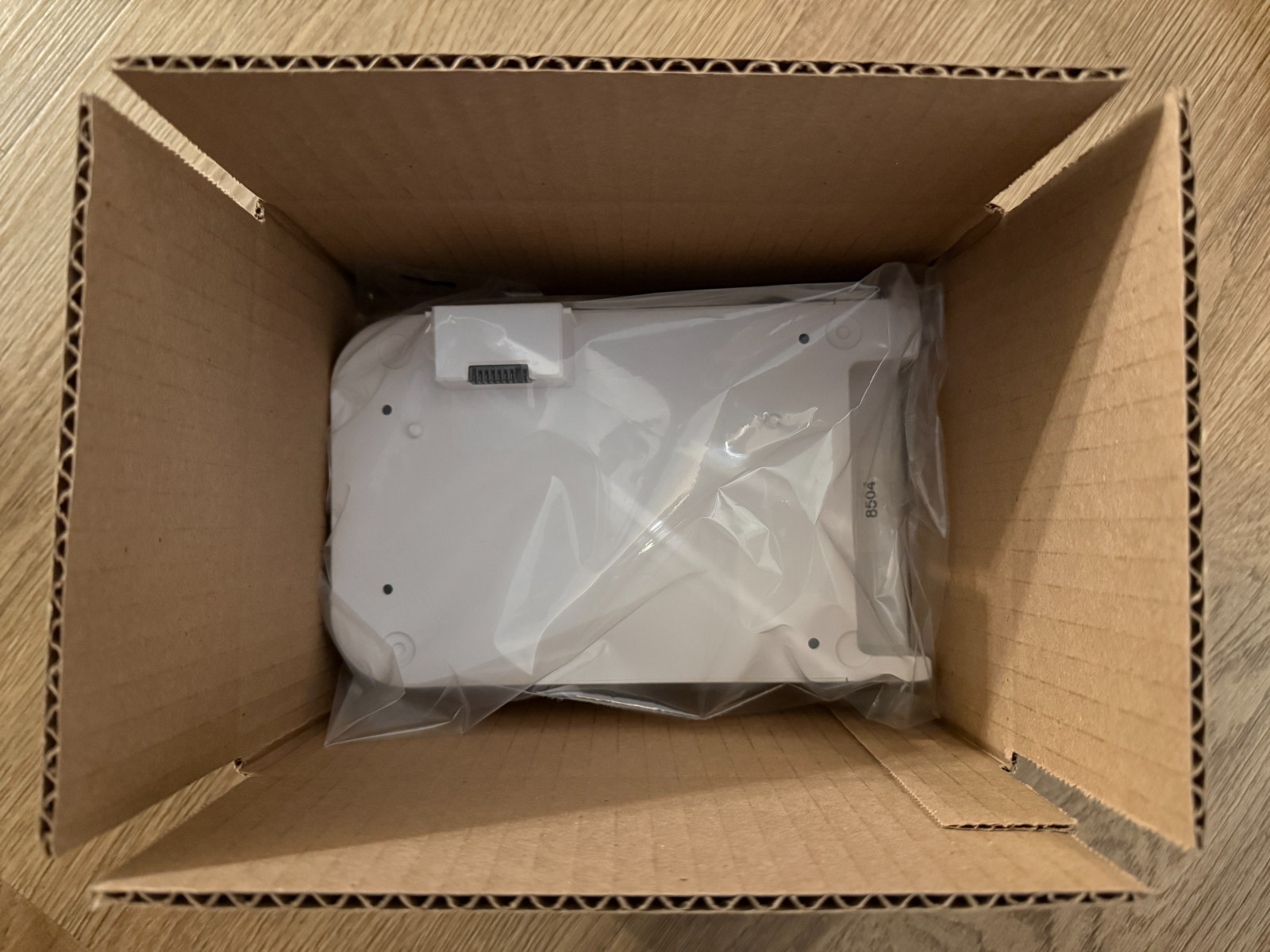
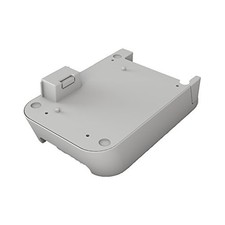
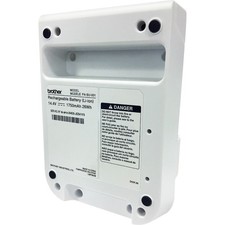
Up for saleBrother PABU001 Rechargeable Li-Ion Battery Pack. Although used, we will charge it and test it first. Since it is a battery, we cannot guarantee the lifespan, hence we price it accordingly. It is a lithium battery.
Please research before you buy. Although non-refundable, you have 30-day guarantee that this battery pack should work with your QL-820NWB or QL-810W. Note: the last photo is from a QL-820NWB when it is being charged.
We will pack it and ship USPS Ground Advantage as it is a battery.Installation Instruction:It should take about 3 minutes. Before starting, ensure the printer is turned off completely and disconnect both the AC power adapter and any interface cables such as USB or Ethernet.
Place the printer upside down on a clean, soft surface to avoid scratching the housing. Locate the protective plastic cover over the connector port on the bottom of the printer, unscrew the 2 screws, then unclip and remove it to expose the connector socket.
Position the PA-BU-001 battery base beneath the printer, carefully aligning the raised multi-pin connector block and the guide pins with the corresponding slots on the bottom of the printer.
Press the battery base firmly into the printer until the connector is fully seated and the two units sit completely flush against each other.
Insert the two screws removed earlier (or four securing screws that came with the new battery unit) into the corner mounting holes located on the underside of the battery base. Tighten each screw securely using a Phillips screwdriver, being careful not to overtighten and strip the plastic threads.
Once assembled, place the printer upright and connect the original Brother AC adapter to begin the initial charge cycle. On the QL-810W, the battery indicator light will glow solid orange while charging and turn off once fully charged. On the QL-820NWB, the LCD screen will display an animated battery icon indicating charging status, which remains steady when the battery is completely charged.FROM MANUFACTURER:14.4V1750mAh 26WhProvides printing of over 2,000 Black on White labels during continuous printing on a full battery chargeRecharge time less than 2.5 hoursFor Brother QL-810W and QL-820NWB label printers